> ## Documentation Index
> Fetch the complete documentation index at: https://docs.fjall.io/llms.txt
> Use this file to discover all available pages before exploring further.
# AWS Profiles and Targets
> Understand how Fjall derives AWS authentication profiles and resolves deploy targets for account-mode and organisation-mode users.
Complete one of:
* [**Connect AWS Account**](/initial-setup/getting-started#3-connect-your-aws-account) (account-mode users)
* [**Deploy Organisation**](/deployment/deploy-organisation) (organisation-mode users)
## Overview
Authentication and the choice of which AWS account a deploy lands in are two separate concerns in Fjall. Neither is driven by a manual profile step or by a stage mapping in `fjall-config.json`.
| Concept | What it does | Where it comes from |
| -------------------------- | -------------------------------------------------------------------- | ------------------------------------------------------- |
| **Authentication profile** | Authenticates the CLI against an AWS account (OIDC or SSO) | Derived automatically from your organisation config |
| **Deployment target** | Selects the account and region a deploy lands in (organisation mode) | Derived from accounts, selected with `fjall target set` |
Profiles are never authored by hand. There is no `fjall profile` command. Fjall fetches your organisation config from the API and derives every profile from it.
## Authentication modes
Fjall supports two authentication modes, both derived from the same organisation config.
* **Account mode.** You connected a single AWS account with `fjall connect`. The account carries its own OIDC role, so Fjall assumes that role directly. No `~/.aws/config` entries are needed.
* **Organisation mode.** You deployed a multi-account organisation with `fjall create organisation`. Non-root member accounts authenticate via AWS SSO through the root account's IAM Identity Centre. Fjall derives one SSO profile per account and region.
OIDC is preferred whenever an account carries its own `oidcRoleArn`. SSO applies to organisation members that lack their own OIDC role.
The rest of this page covers organisation-mode profile derivation and target selection. In account mode, authentication is automatic via OIDC and you do not manage profiles or targets.
## How profiles are derived
Fjall derives profiles from your organisation config with `deriveProfiles(orgConfig)`. The org config (accounts, regions, OIDC roles, SSO sessions) is fetched from the API, not read from any local file.
Two rules apply:
| Account | Profile name | Auth |
| --------------------------------------- | ------------------------------------- | -------------------- |
| Root (Organizations management account) | `` | OIDC, single profile |
| Non-root with its own `oidcRoleArn` | `-` | OIDC, per region |
| Non-root organisation member | `--` | SSO, per region |
The region abbreviation collapses an AWS region to a short token: `us-east-1` becomes `use1`, `us-east-2` becomes `use2`, `eu-west-1` becomes `euw1`.
SSO profiles use the `sso-` session from your organisation config and the `AdministratorAccess` role.
### Inspecting profiles in \~/.aws/config
Organisation-mode SSO profiles are written to your `~/.aws/config` file. Inspect them directly:
```bash theme={null}
aws configure list-profiles
```
After deploying your organisation, the file contains entries like this (for an organisation named `exampleorg`):
```ini theme={null}
[profile exampleorg-production-use2]
region = us-east-2
sso_account_id = 111111111111
sso_role_name = AdministratorAccess
sso_session = sso-exampleorg
[profile exampleorg-staging-use2]
region = us-east-2
sso_account_id = 222222222222
sso_role_name = AdministratorAccess
sso_session = sso-exampleorg
[sso-session sso-exampleorg]
sso_region = us-east-2
sso_start_url = https://d-**********.awsapps.com/start
```
If your SSO session has expired, Fjall prompts you to authenticate through your browser at deploy time:
```bash theme={null}
SSO token expired or not found. Initiating SSO login...
Opening browser for SSO authentication...
If the browser doesn't open automatically, visit: https://d-**********.awsapps.com/start/#/device?user_code=***-***
```
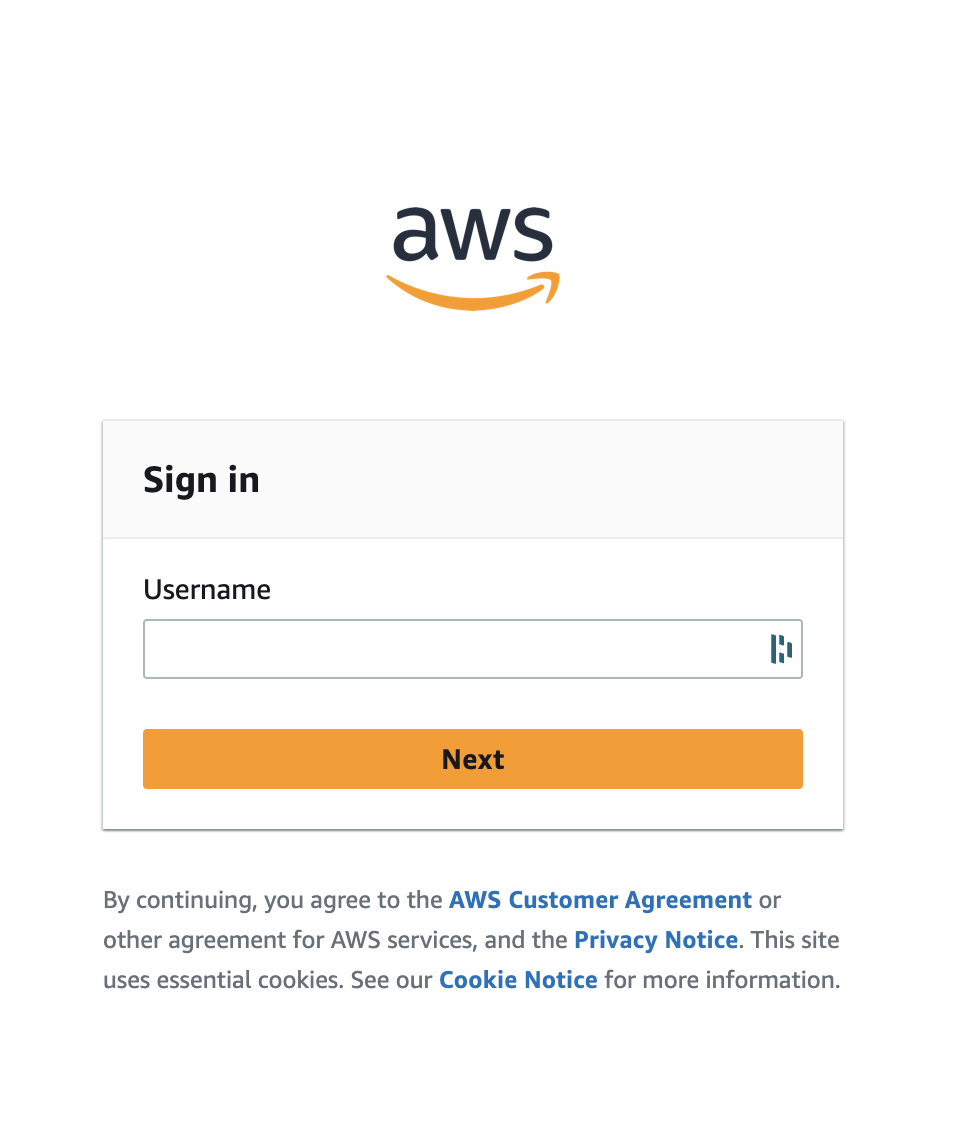 *SSO login prompt.*
## Selecting a deployment target
In organisation mode, the active deployment target decides which account and region a deploy lands in. A target is an account and region pair with a canonical name, `-`, for example `production-us-use1`. Root accounts are excluded from the target list.
Manage targets with the `fjall target` command:
```bash theme={null}
# List all derived targets (the active one is marked with ▸)
fjall target list
# Show the active target's account and region
fjall target get
# Set the active deployment target
fjall target set production-us-use1
```
`fjall target set` validates the name against the derived targets and persists it as `activeTarget` in your `fjall-config.json`.
At deploy time, Fjall resolves the account in this order:
1. A per-deploy `--target ` flag wins, if present.
2. Otherwise the `activeTarget` from local config is used. If exactly one target exists, Fjall selects it silently. If several exist and none is active, Fjall errors and asks you to run `fjall target set`.
## The environment flag is not a target selector
`fjall deploy` accepts an optional `-e, --environment ` flag, but it does NOT select an account or region.
```bash theme={null}
fjall deploy api --environment production
```
This value is a free-form CI/CD label. It flows through to the CDK synthesis as a context value (`-c environment=`). It plays no part in profile or target resolution. To choose the deploy account, use `fjall target set` or the `--target` flag.
## What fjall-config.json contains
`fjall-config.json` is governed by a strict schema and holds exactly two optional fields:
```json theme={null}
{
"activeTarget": "production-us-use1",
"domains": [{ "name": "example.com", "type": "apex" }]
}
```
There is no `deploy` mapping, no `environments` block, and no `stage` field. Account, region, OIDC, and SSO data lives in your organisation config, which Fjall fetches from the API and injects into the deploy. It is never stored in `fjall-config.json`.
## Next Steps
Deploy your platform account in organisation mode.
Deploy an application to your selected target.
Set up a multi-account organisation.
Connect a single account in account mode.
*SSO login prompt.*
## Selecting a deployment target
In organisation mode, the active deployment target decides which account and region a deploy lands in. A target is an account and region pair with a canonical name, `-`, for example `production-us-use1`. Root accounts are excluded from the target list.
Manage targets with the `fjall target` command:
```bash theme={null}
# List all derived targets (the active one is marked with ▸)
fjall target list
# Show the active target's account and region
fjall target get
# Set the active deployment target
fjall target set production-us-use1
```
`fjall target set` validates the name against the derived targets and persists it as `activeTarget` in your `fjall-config.json`.
At deploy time, Fjall resolves the account in this order:
1. A per-deploy `--target ` flag wins, if present.
2. Otherwise the `activeTarget` from local config is used. If exactly one target exists, Fjall selects it silently. If several exist and none is active, Fjall errors and asks you to run `fjall target set`.
## The environment flag is not a target selector
`fjall deploy` accepts an optional `-e, --environment ` flag, but it does NOT select an account or region.
```bash theme={null}
fjall deploy api --environment production
```
This value is a free-form CI/CD label. It flows through to the CDK synthesis as a context value (`-c environment=`). It plays no part in profile or target resolution. To choose the deploy account, use `fjall target set` or the `--target` flag.
## What fjall-config.json contains
`fjall-config.json` is governed by a strict schema and holds exactly two optional fields:
```json theme={null}
{
"activeTarget": "production-us-use1",
"domains": [{ "name": "example.com", "type": "apex" }]
}
```
There is no `deploy` mapping, no `environments` block, and no `stage` field. Account, region, OIDC, and SSO data lives in your organisation config, which Fjall fetches from the API and injects into the deploy. It is never stored in `fjall-config.json`.
## Next Steps
Deploy your platform account in organisation mode.
Deploy an application to your selected target.
Set up a multi-account organisation.
Connect a single account in account mode.