
fjall org deploy:
Prerequisites
- An AWS root account (the email used to create the account).
Steps
-
Sign in to your AWS Root Account
Open the AWS Console and click on Sign in.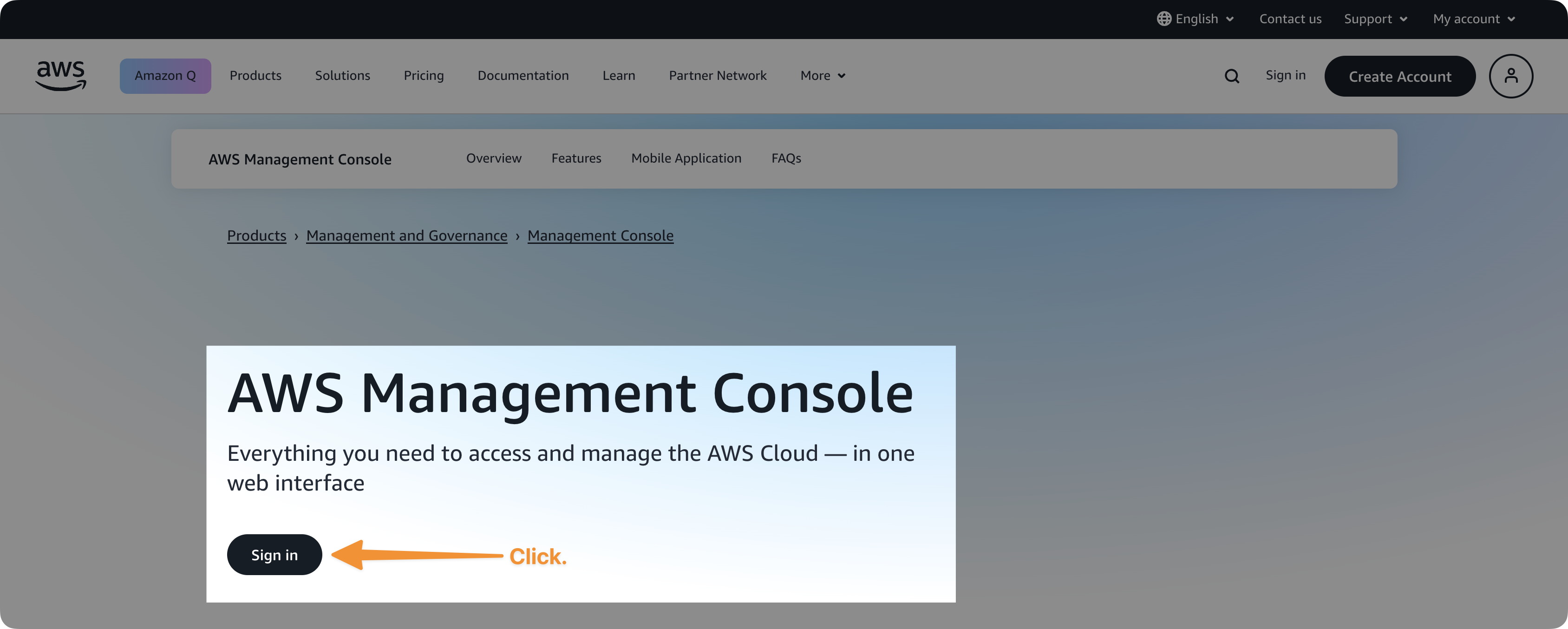
-
Enter your root user email address
This should be the same email used to create the AWS account.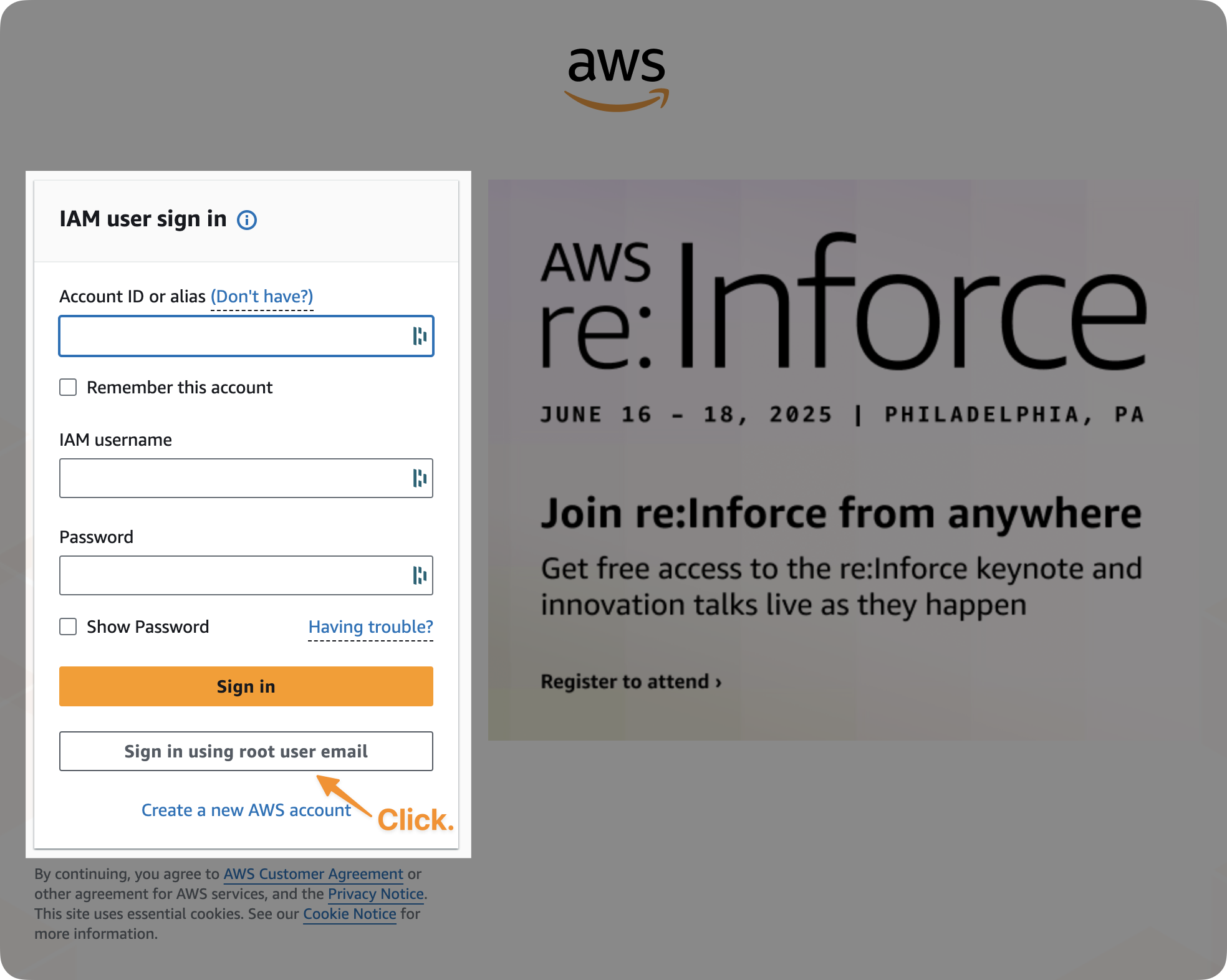
-
Go to your Security Credentials
Once logged in, click your account name (furthest top right) → Security Credentials.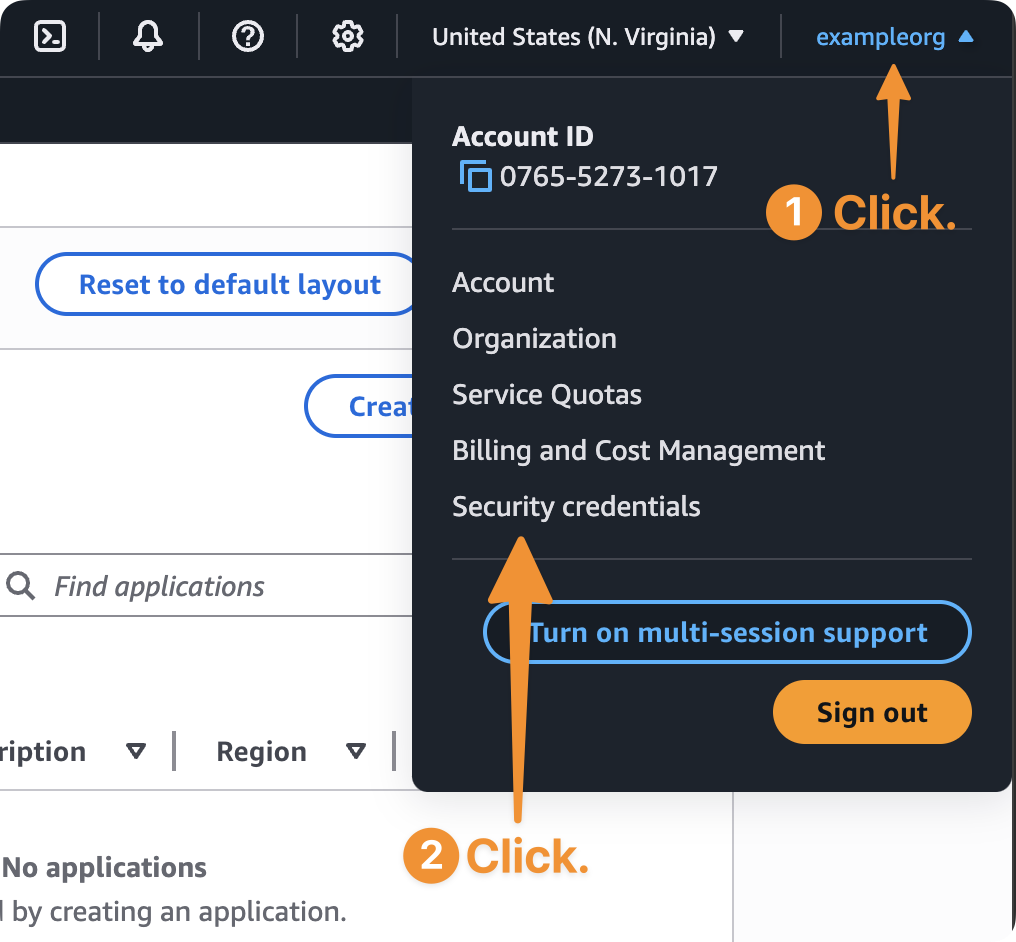
-
Assign MFA Device
In the Multi-factor authentication (MFA) section, click Assign MFA device.
Choose your preferred method (Authenticator App, FIDO2 key, etc.), and follow the on-screen prompts.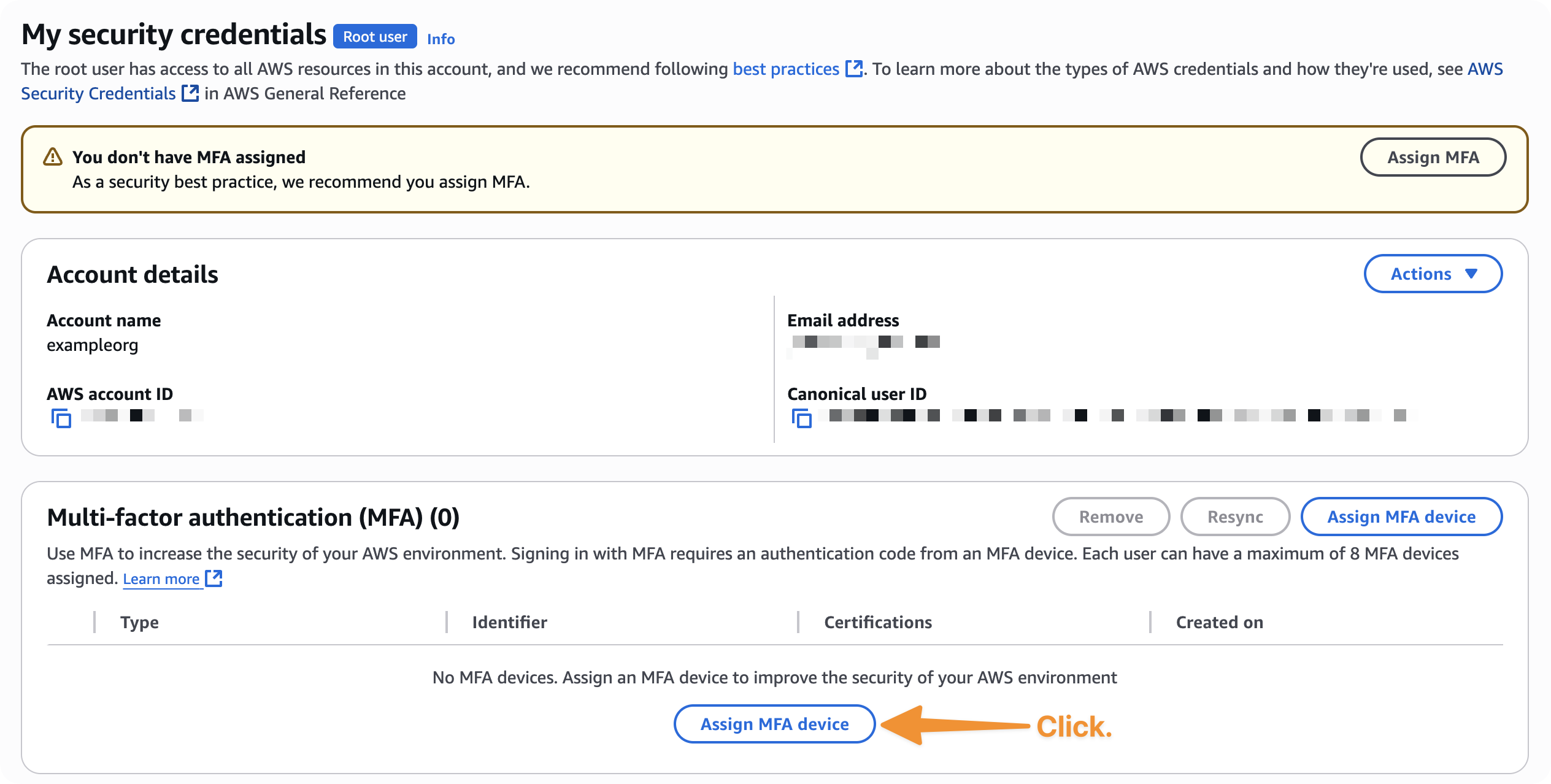
Next Steps
Enable Cost Explorer
Step 2: turn on the cost data Fjall reports against
Enable IAM Identity Center
Step 3: set up centralised team access across your AWS organisation
Deploy Organisation
Create, connect, and deploy your AWS Organizations structure
Get started with Fjall
Install the CLI and deploy your first application