
Prerequisites
- Console access to the AWS organisation management account (or a delegated Identity Center administrator).
- MFA on the root user. See Configure MFA.
Why this is a console step
AWS does not let CloudFormation or the API create an Identity Center instance. It is a one-time click in the console. Once the instance exists,fjall org deploy discovers it (sso:ListInstances) and applies the identityCentre block from fjall/organisation/infrastructure.ts. Without an instance, the organisation deploy has nothing to find.
Running without SSO? Set
identityCentre: false on the OrganisationFactory
props to skip Identity Center entirely. Omitting the key keeps the built-in
permission sets, which still needs an instance.Steps
- Sign in to the management account and open the console Open the IAM Identity Center console.
-
Choose your region before enabling
AWS pins Identity Center to one region per organisation, and the region cannot be changed later. Use the Region Selector at the top right to switch to your organisation’s home region (the primary region Fjall deploys the organisation stack into).
Decide that region now. It has to match the primary region you pick in
fjall create organisation, which is written to the organisation config the first time you confirm it and cannot be changed after your first successful deploy. Pass the same value to--primary-regionwhen you get there.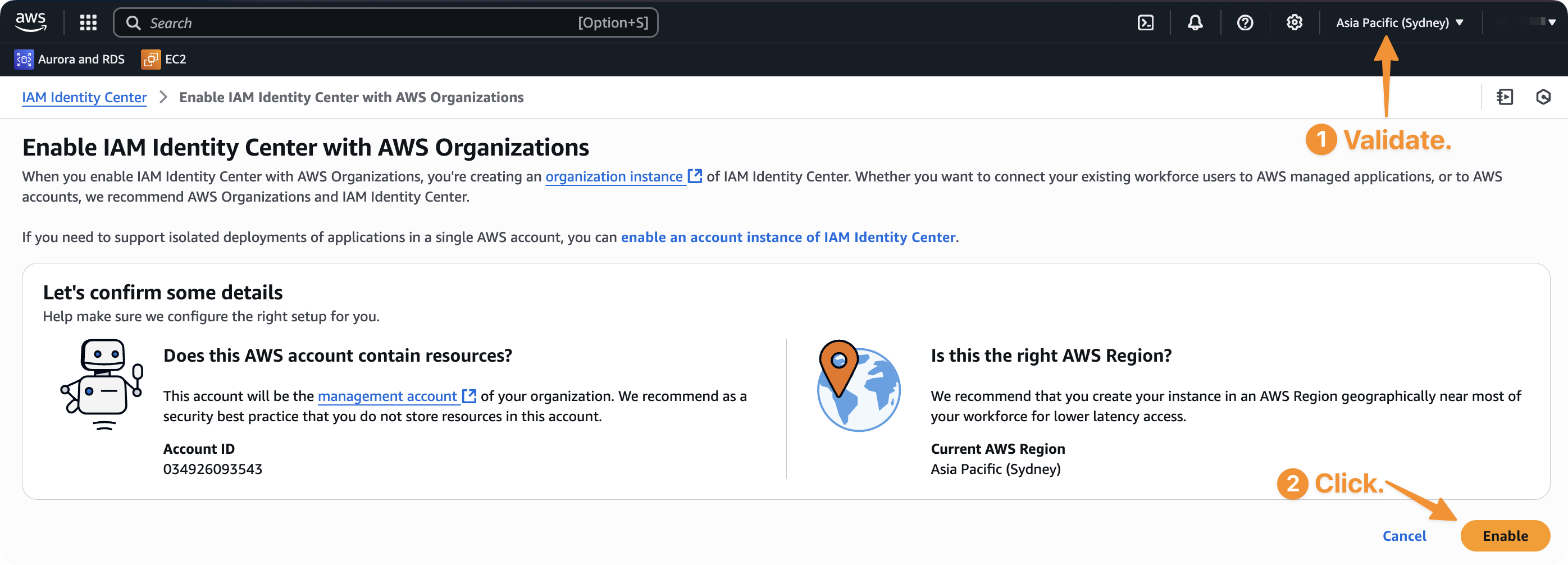
-
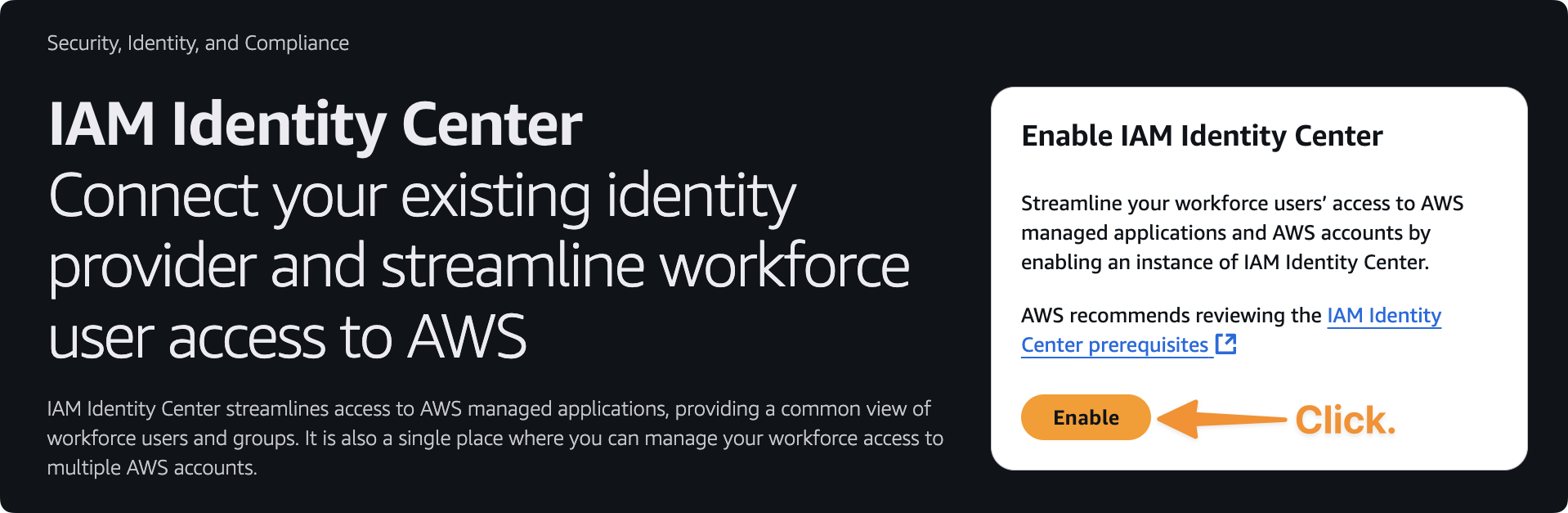
Click Enable on the welcome screen
Choose an identity source
Decide who owns your user objects. This becomes thesource of the identityCentre block in your organisation infrastructure file.
See Users and Permissions for the config shapes and the day-to-day workflow.
Google Workspace
The CLI walks the whole SAML and SCIM connection for you:--wait polls the identity store until the first SCIM-provisioned user appears (default timeout 1800 seconds, override with --timeout <seconds>). Run it without --wait to print the runbook and current status.
Next Steps
Enable Cost Explorer
Turn on cost tracking for your AWS account.
Configure Deployment Credentials
Set up OIDC or SSO credentials for deploying infrastructure.
Deploy Organisation
Create and deploy your AWS organisation.
Users and Permissions
Declare users, groups, and permission sets in code.